Hacker News, without the language barrier
Read top HN stories, follow discussions, get reply notifications, and translate Hacker News posts and comments in one mobile app.





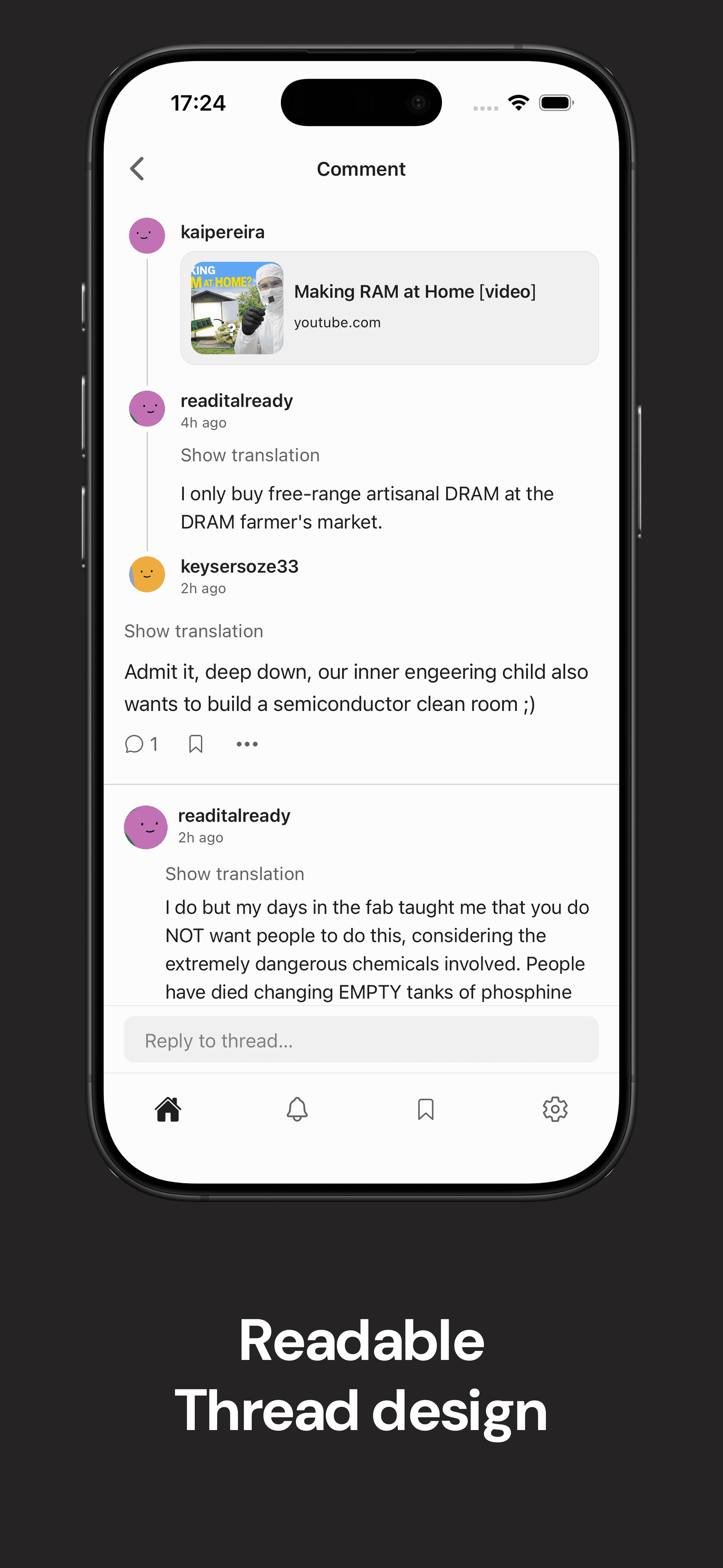
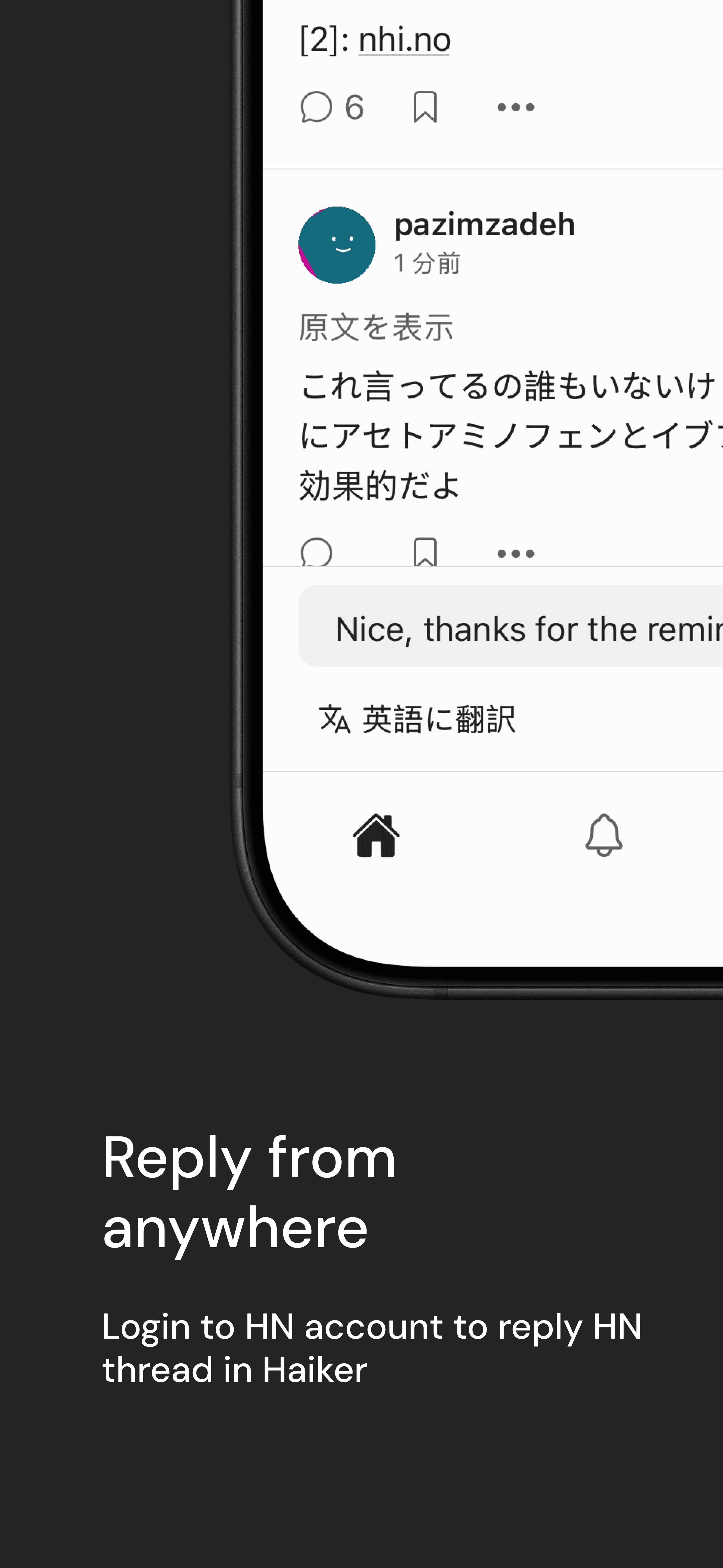
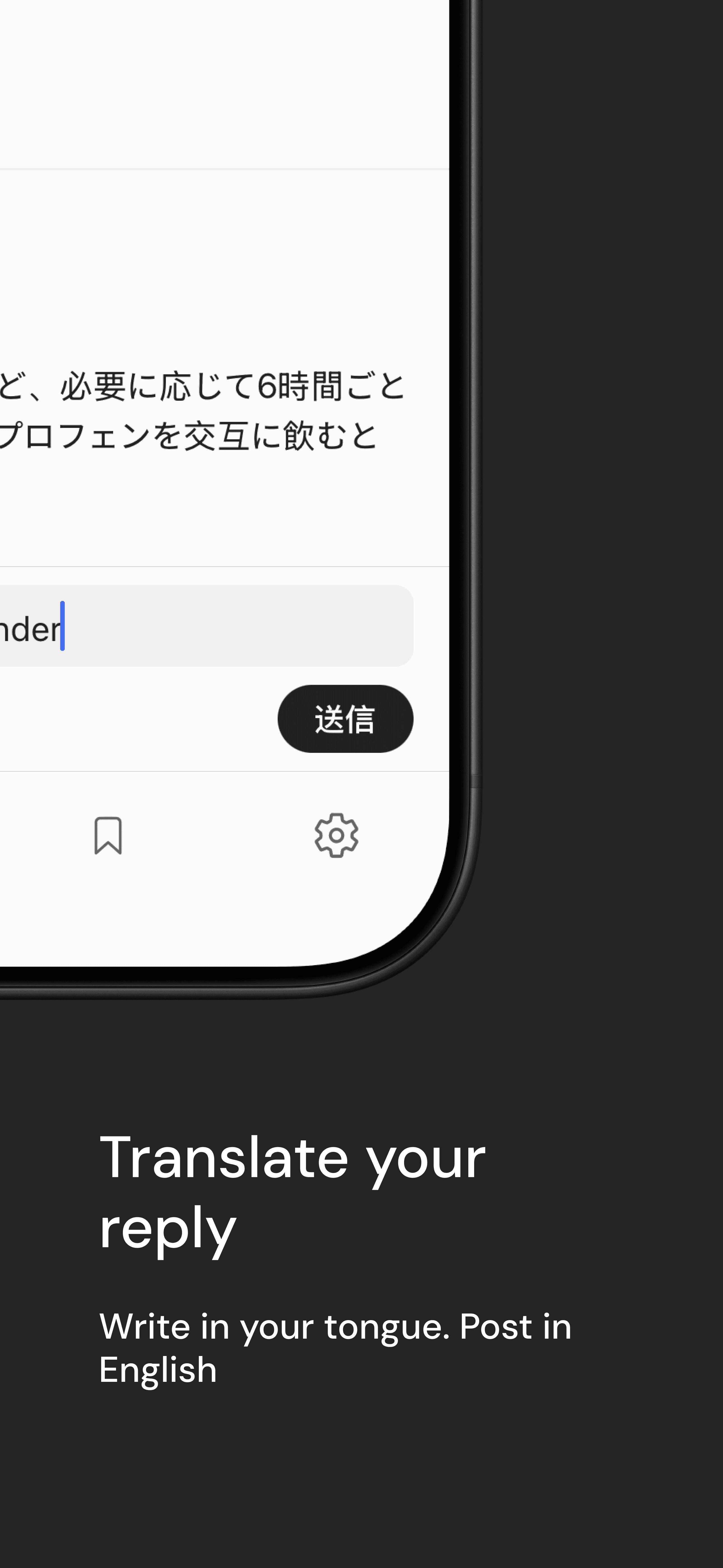
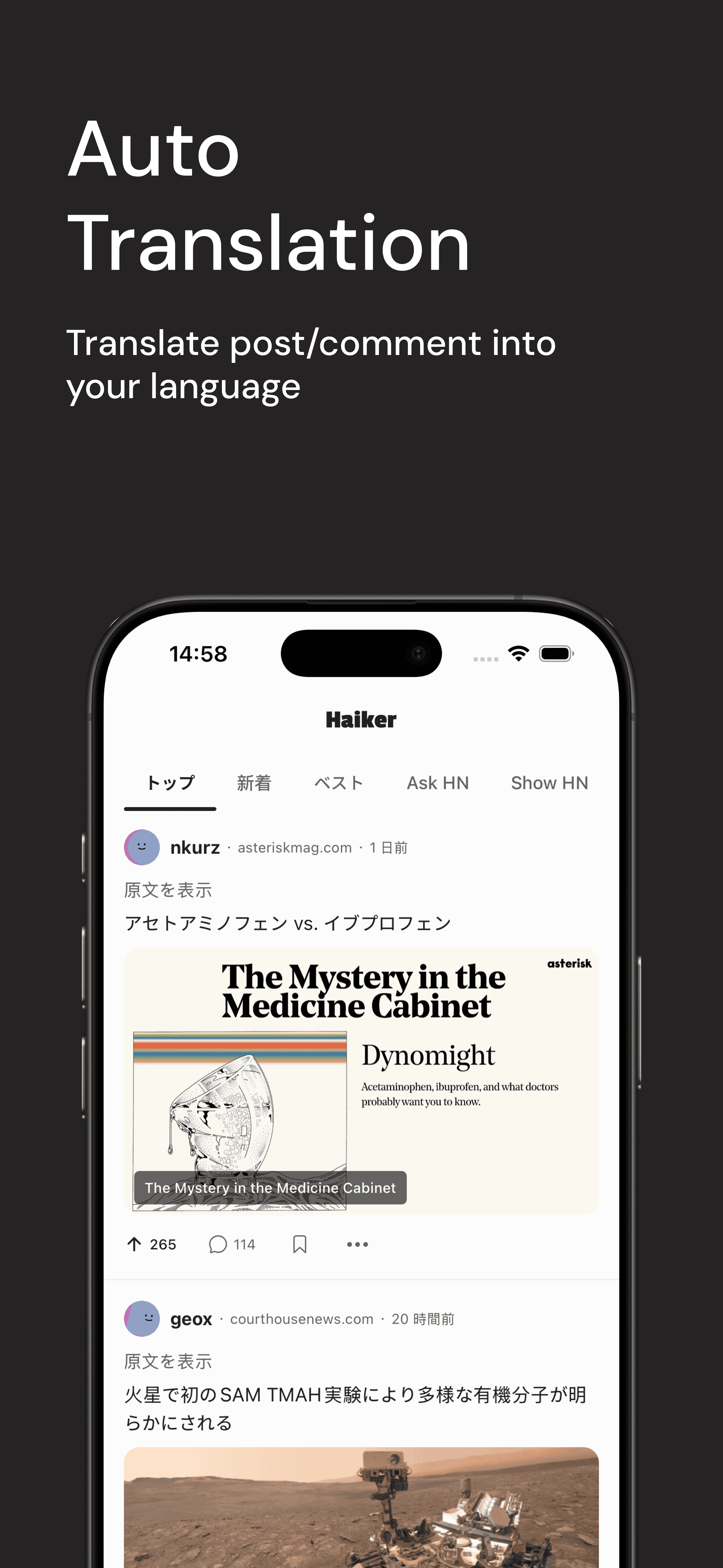
Auto-translate Hacker News posts and comments
Posts and comments auto-translate to your language. For replies, tap the translate button to turn your draft into English.

Every post and comment translates to your language automatically. Choose from 13 target languages, including Chinese, Japanese, Korean, Spanish, Portuguese, Russian, and more.
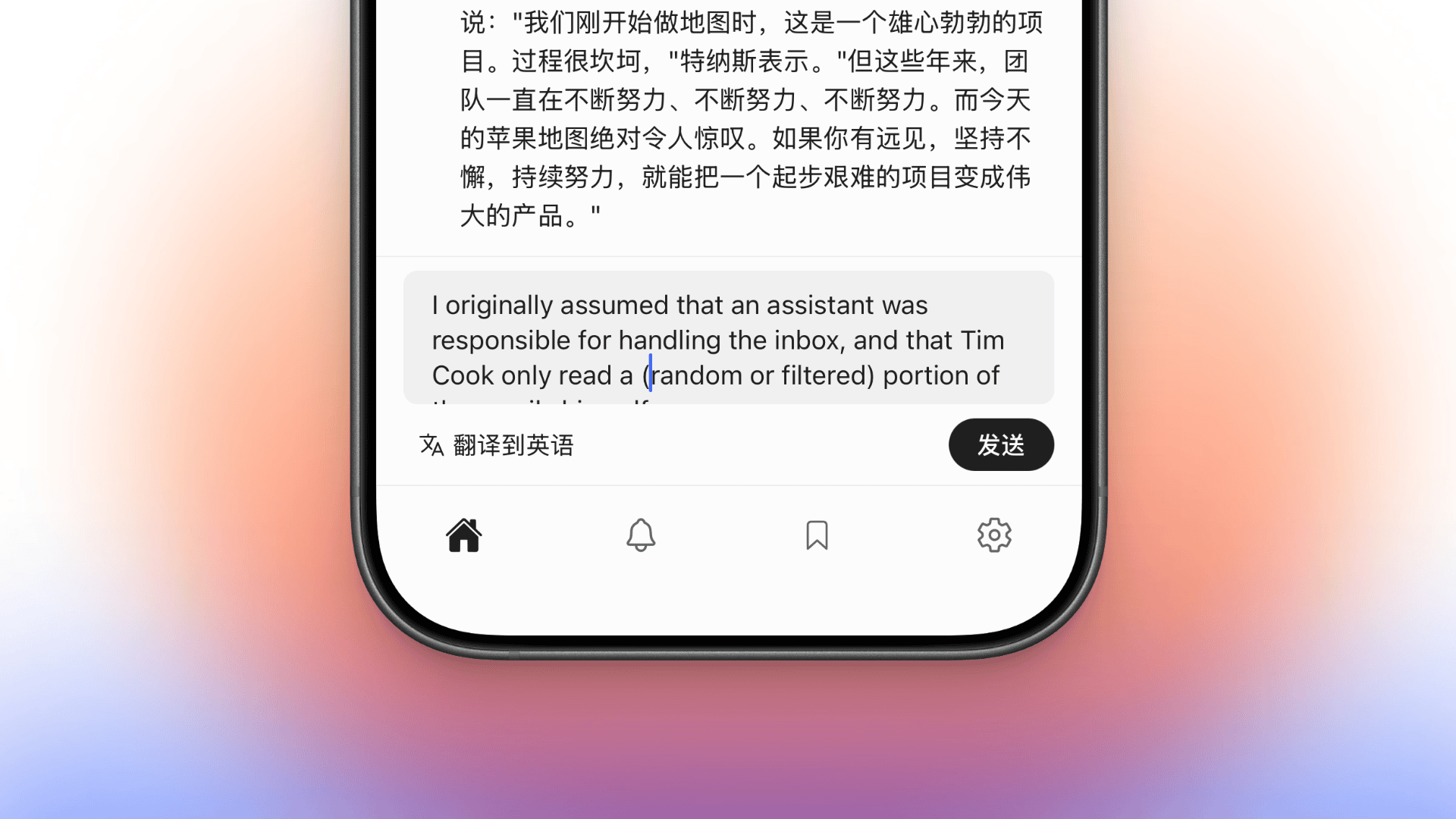
Write your reply in your language, tap the translate button, and review the English draft before posting. Join any discussion without switching keyboards.
Hacker News reply notifications
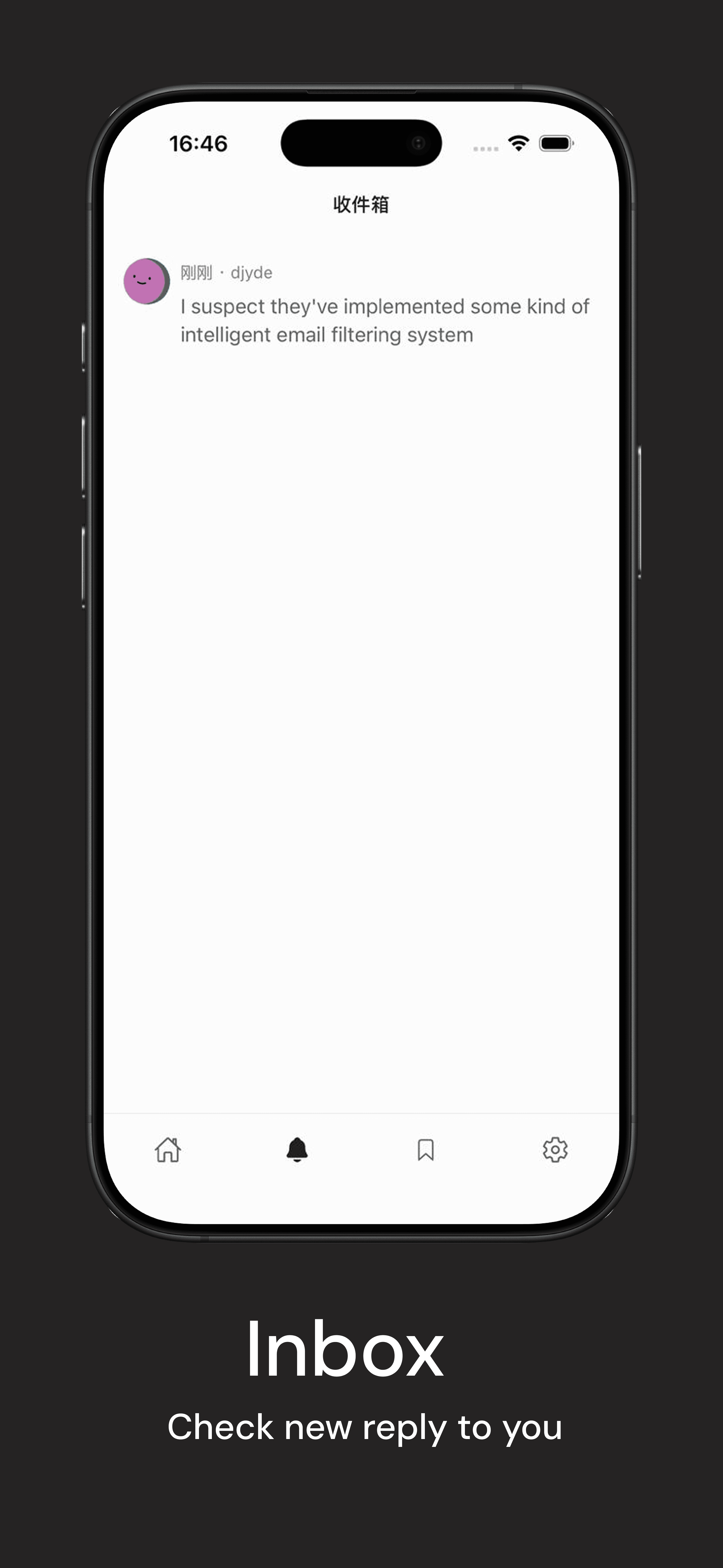
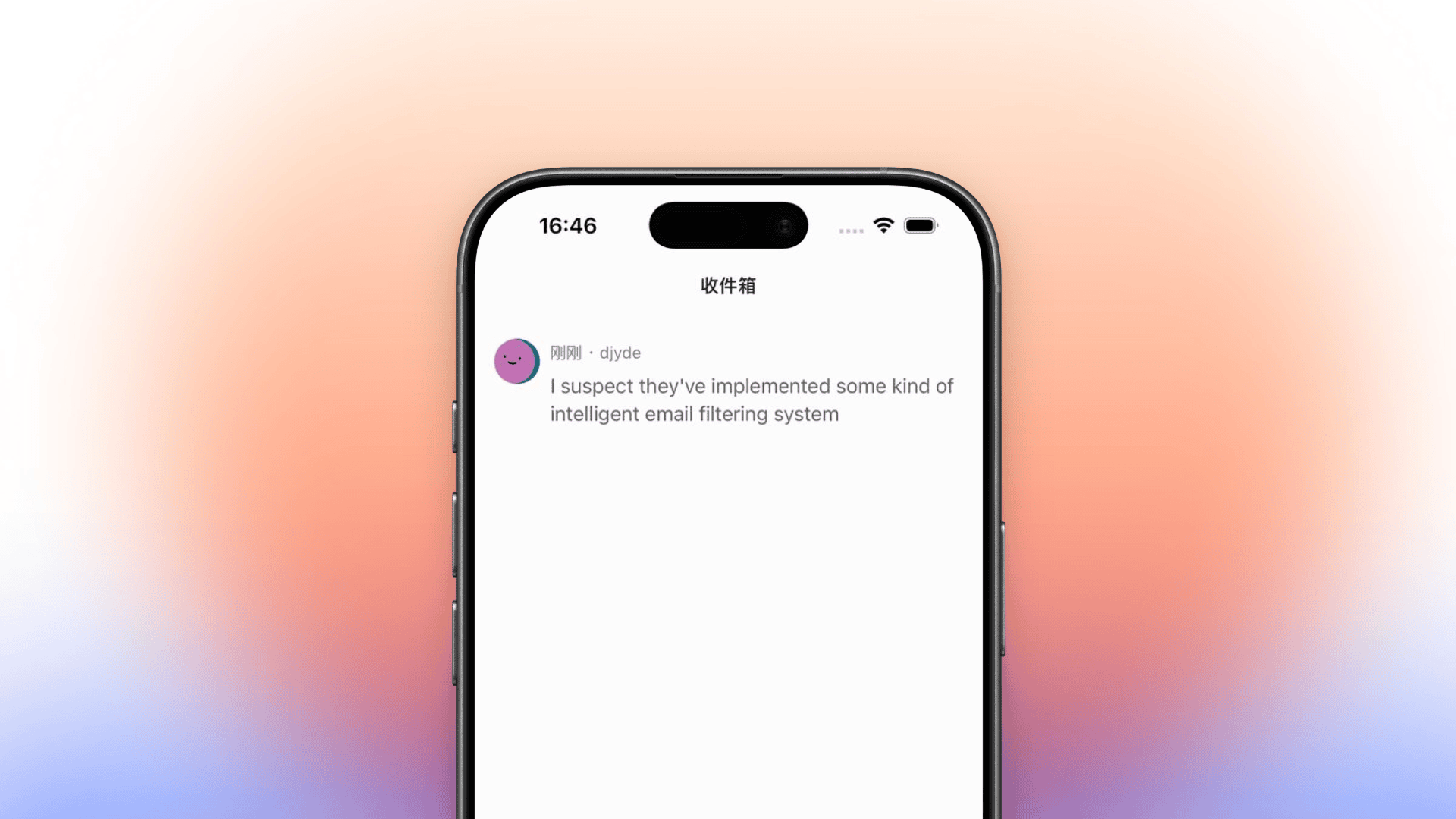
Get notified when people reply to your posts and comments, so you never lose a conversation.
Dark mode, bookmarks, and more

Dark mode that looks great at 2am
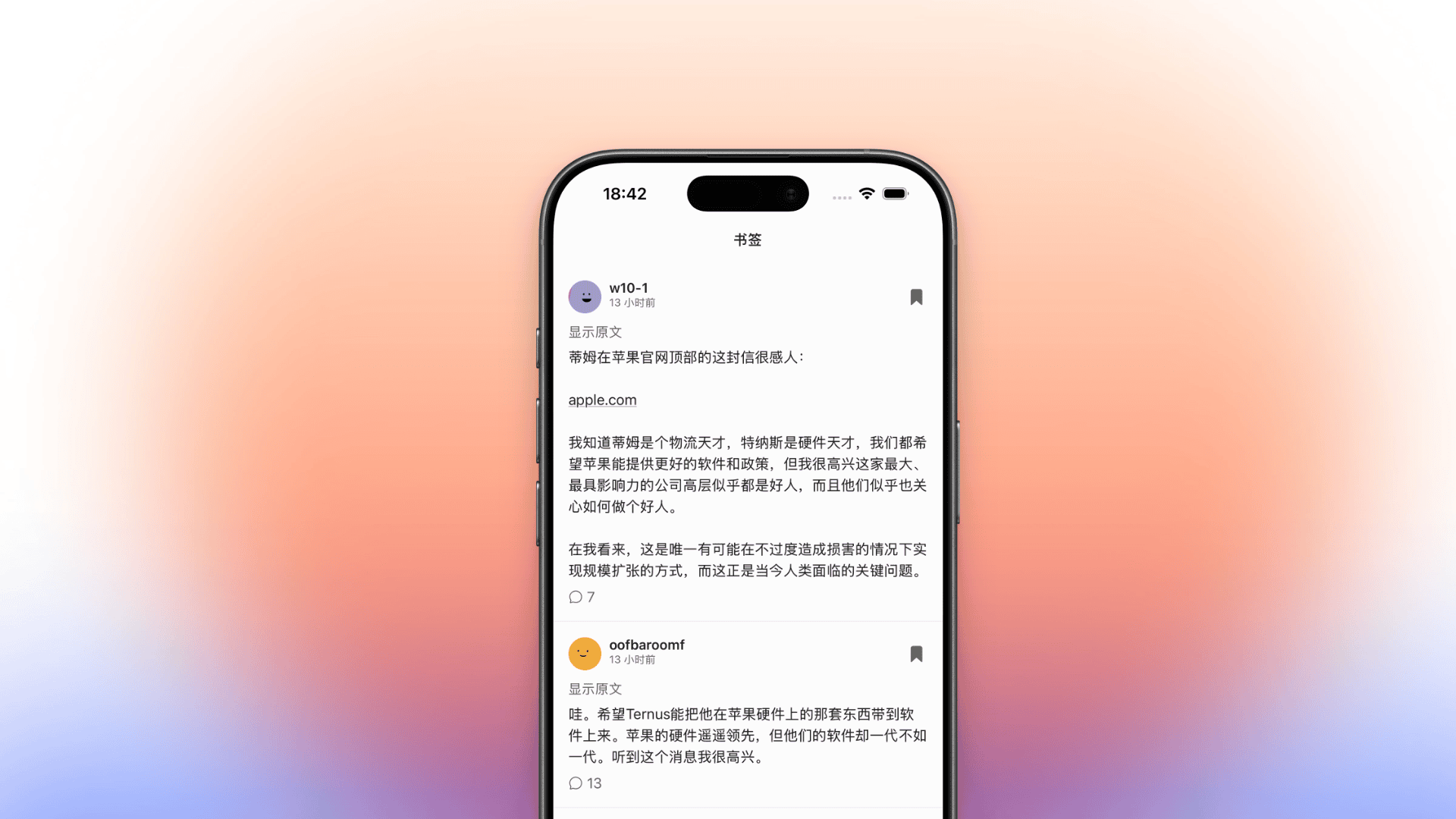
Save the good stuff for later
Haiker is a Hacker News mobile client for iPhone and Android. It auto-translates Hacker News posts and comments into your target language, supports Simplified Chinese, Traditional Chinese, Japanese, Korean, German, French, Spanish, Brazilian Portuguese, Russian, Hindi, Italian, Polish, and Dutch, and keeps the native HN experience fast on mobile.
Frequently asked questions
What is Haiker?
Haiker is a Hacker News mobile app for iOS and Android with automatic translation for reading. You set your target language, and HN posts and comments are automatically translated when displayed. When writing a reply, tap the translate button to turn your draft into English before posting.
How do I set my translation language?
In Haiker settings, you choose your target language — Simplified Chinese, Traditional Chinese, Japanese, Korean, German, French, Spanish, Brazilian Portuguese, Russian, Hindi, Italian, Polish, or Dutch. All posts and comments are then automatically translated into that language when displayed.
What languages does Haiker support?
Haiker supports Simplified Chinese, Traditional Chinese, Japanese, Korean, German, French, Spanish, Brazilian Portuguese, Russian, Hindi, Italian, Polish, and Dutch as target languages. You choose your preferred language in the app settings.
How does the auto-translation work?
When you open a Hacker News post or comment, Haiker automatically translates the text into your target language and displays it alongside the original. When you write a reply in your language, tap the translate button to convert your draft into English before posting. No copy-paste needed.
Do I need a Hacker News account to use Haiker?
No. You can browse stories, read comments, and use auto-translation without logging in. An HN account is only needed if you want to post comments, reply, or upvote.
Is Haiker available on iOS and Android?
Yes. Haiker is available on iOS through the App Store and on Android through Google Play, so you can use it as your Hacker News app on iPhone or Android.